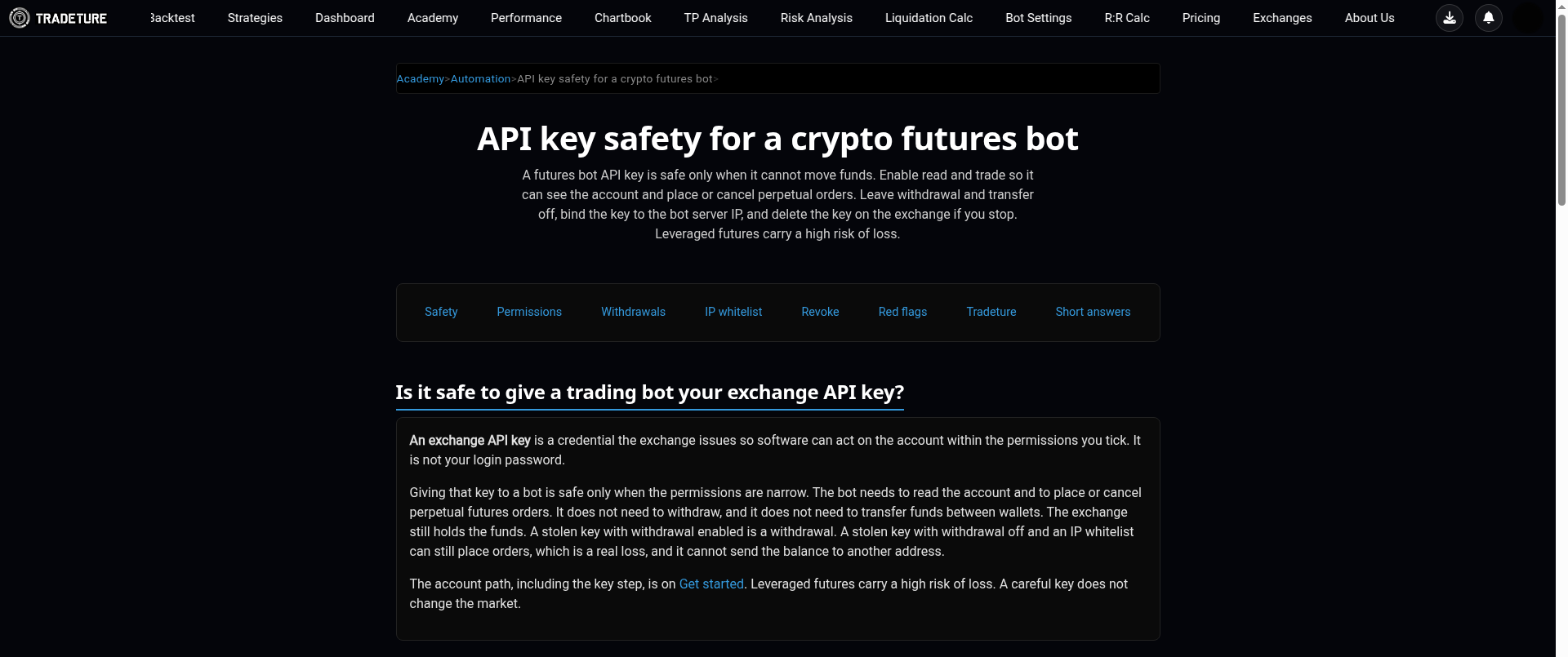
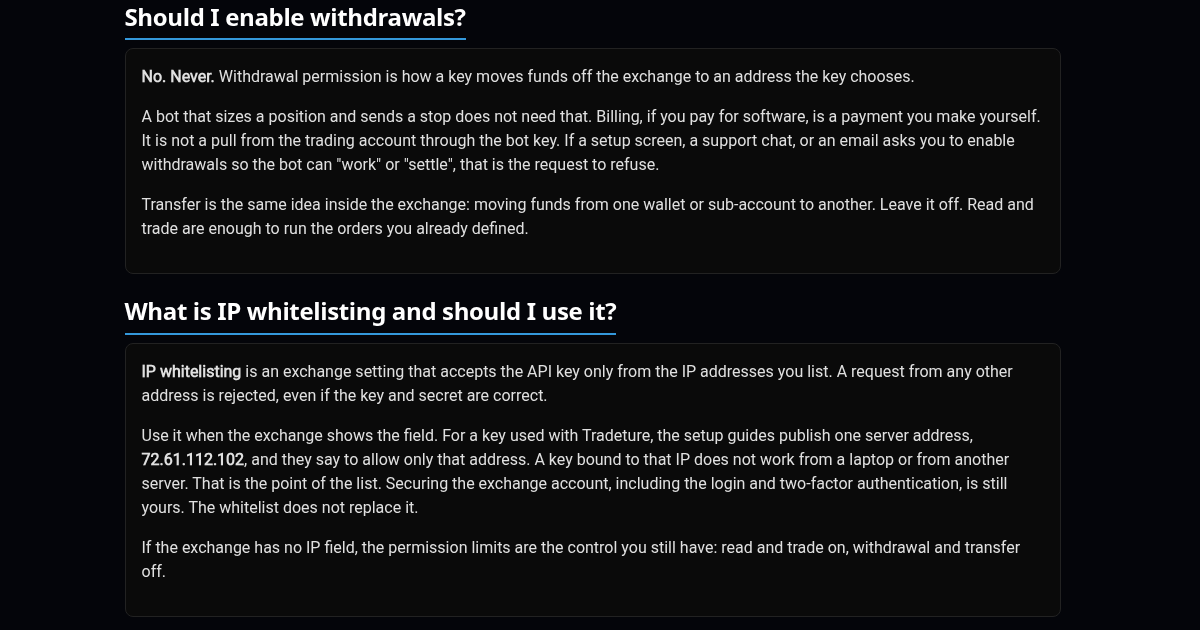
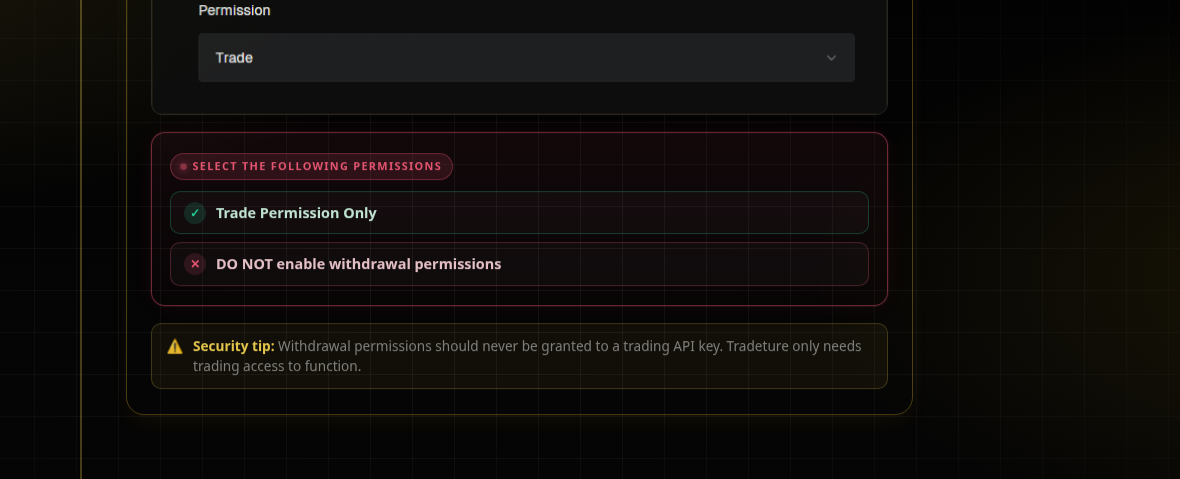
A key for Tradeture should have Read and Trade on, and Withdrawal and Transfer off. That is a trade-only key: it can see the account and place or cancel orders, and it cannot move funds off the exchange or between wallets.
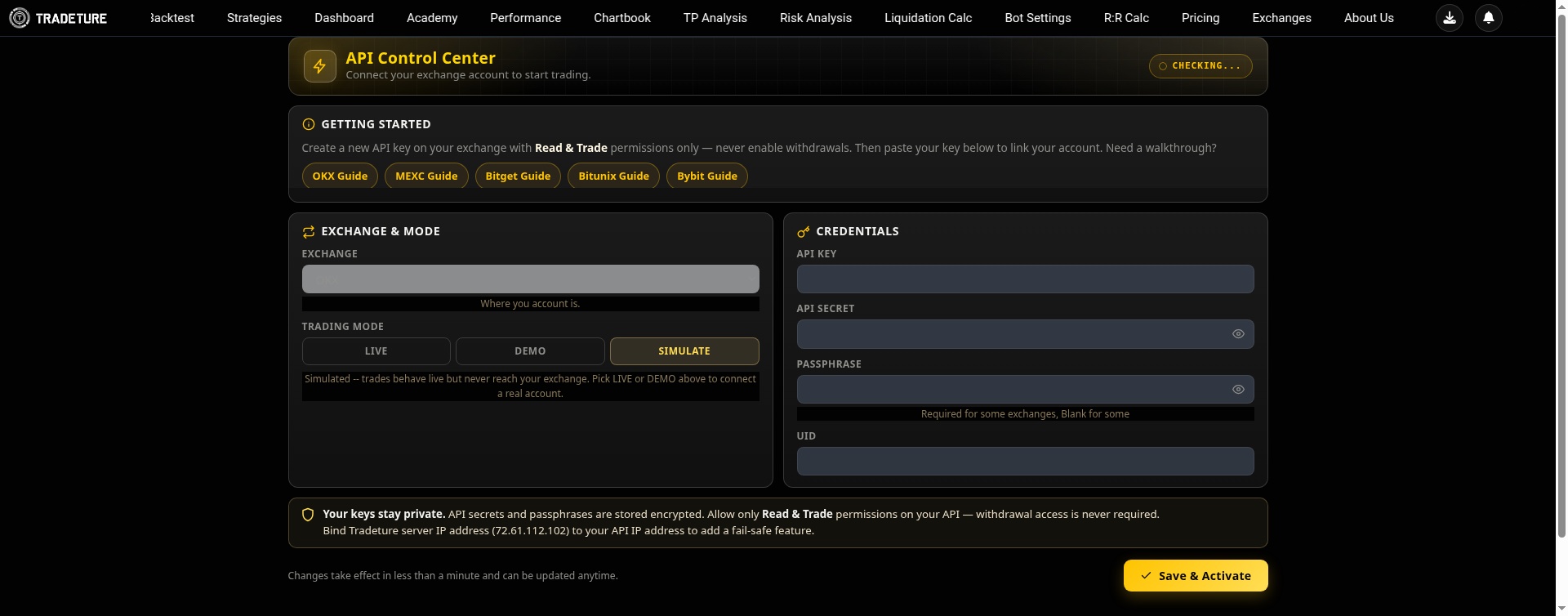
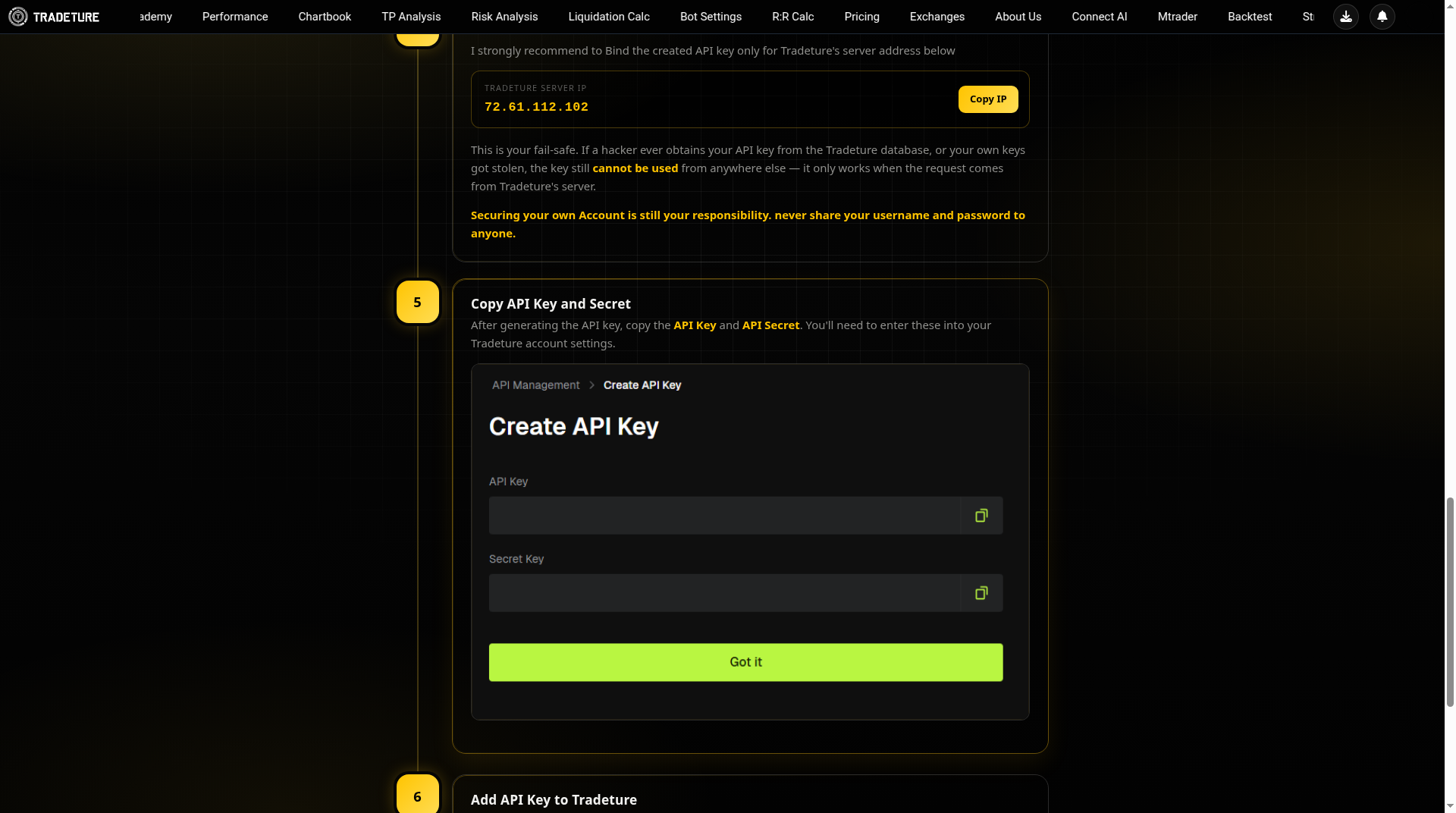
This walkthrough is explained from the screens. No key is added, and the credentials fields stay empty. The demo account runs in SIMULATE mode, with no exchange connected. Simulated trades do not reach an exchange. You can follow every step without pasting a secret.
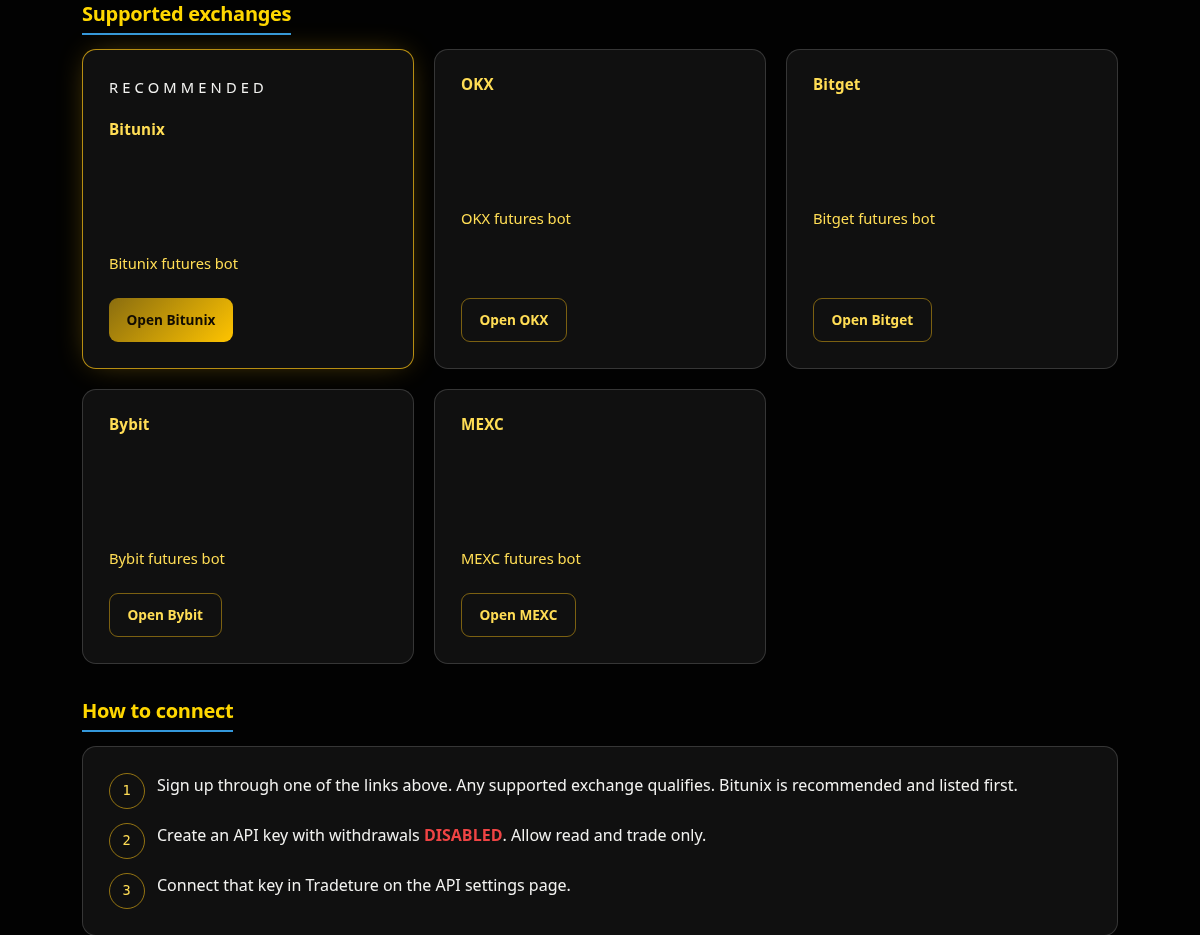
The Bitunix setup guide is the example. The same rule applies on OKX, Bitget, Bybit, and MEXC: withdrawals stay off. The exchange walkthroughs are at tradeture.com/okx_ins, /mexc_ins, /bitget_ins, /bitunix_ins, and /bybit_ins.